
Searching for a Warrant in Cumberland County
The official county site links to a public Cumberland court-record search for Circuit Court and General Sessions cases. Use it to locate a file, not to certify active status. Search your own full first and last name or a known case reference; broad partial-name searches can return too much.
When a result appears, note the court, case type, filing year and case number. Call the clerk before acting on an old docket entry. The sheriff’s weekly Wanted program is curated, and Tennessee has no universal public warrant lookup.
- Open the county portal and choose the court and case-type filters that fit your own matter.
- Search your full name first. Add the filing year or the final digits of a known case number to narrow the result.
- For a Crossville citation, switch to the City Court portal. For Crab Orchard or Pleasant Hill, ask city hall where the file is kept.
- Call the issuing clerk or CCSO at 931-484-6176 to confirm current process. Use the county form when you need a copy, not a fast answer.
- For federal matters, use the Middle District clerk or PACER. For a possible active warrant, speak with an attorney about next steps.
Cumberland County Warrant Portal Limits
The portal exposes Party Name, Case Year, Case Number, Court Type and Case Type. Circuit Court and General Sessions are distinct choices. Criminal and Civil are separate filters. Both pairs start checked on the observed public form, so review them before searching.
Cloudflare Turnstile must be completed before Find Now activates. The public search is free and can return up to 2,500 rows. A subscription or login link on the landing page does not make the portal a live warrant database.
See the county search form for its blank field layout.
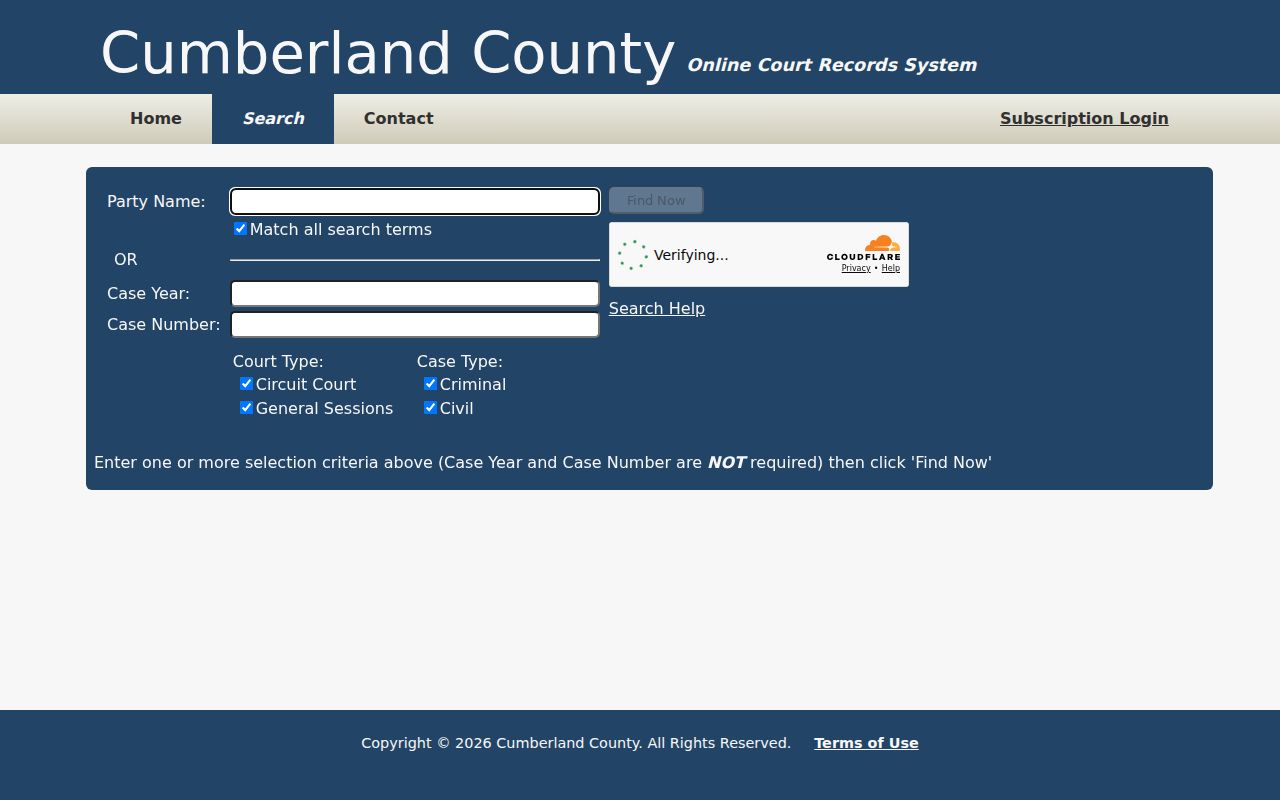
The blank screen shows the filters, not a person’s result or warrant status.
Warrant Search Fields Explained
Use the narrowest information you know about your own case. The portal help says a complete first and last name works best. A filing year means the year entered in the court system, not necessarily the year of a stop or hearing.
| Field Label | Type | Required | Notes |
|---|---|---|---|
| Party Name | Text | No | Full first and last name is recommended by portal help. |
| Case Year | Text, four characters | No | Usually the filing year. |
| Case Number | Text, up to 50 characters | No | Enter the final numeric portion after the last hyphen. |
| Court Type | Checkboxes | No | Circuit Court or General Sessions. |
| Case Type | Checkboxes | No | Criminal or Civil; select the type shown on your papers. |
Cumberland County Warrant Number Help
The portal’s case-number example is 99GS1-2023-CR-12345. Its Case Number box takes the final numeric segment, but keep the full identifier in your notes for the clerk. Do not treat that example as a real person’s case.
Search criteria compound, and the help allows a quoted name or reference phrase. Only the first ten words are considered. If nothing appears, check spelling, filing year and court type, then call the clerk instead of repeating a broad query.
The county’s court-record landing page provides the public search and a separate subscription path.
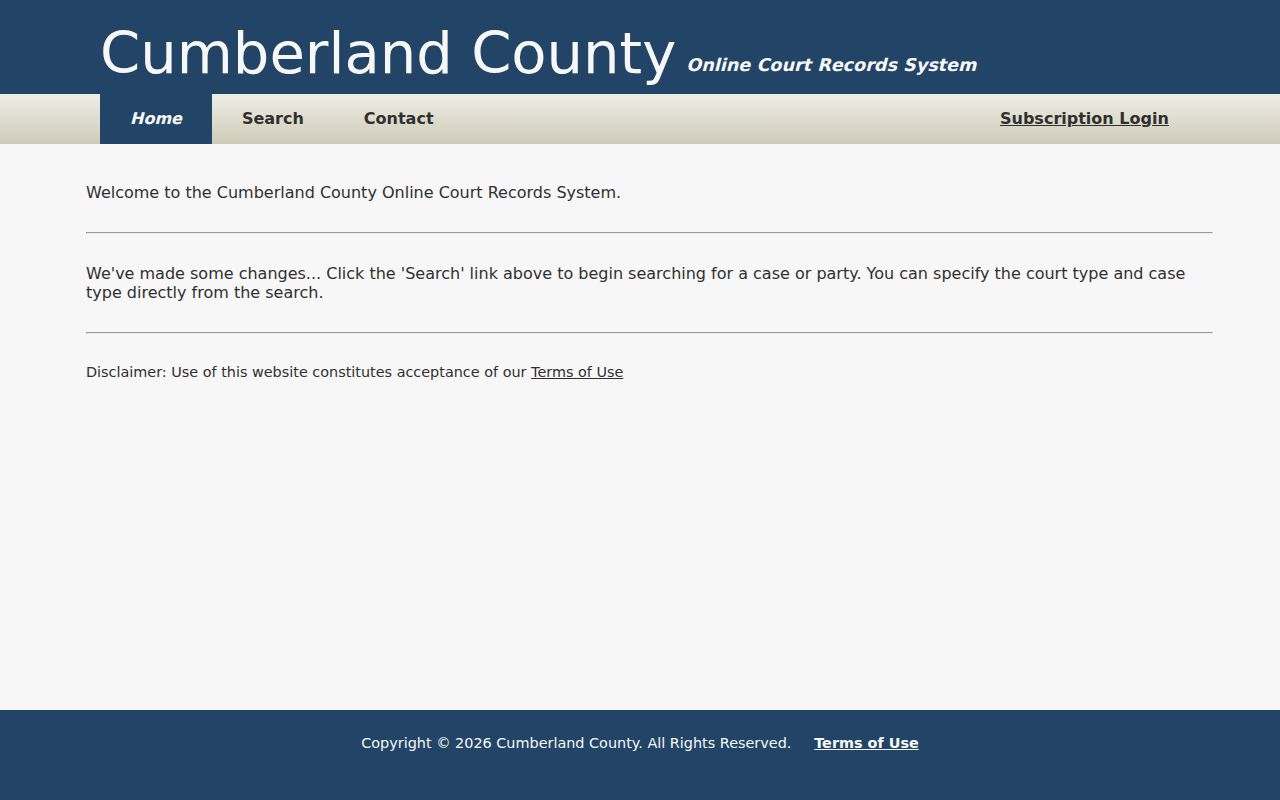
The landing page helps distinguish public case searching from account-based services.
What a Warrant Search Shows
The Cumberland portal is a court-case search, not a warrant-specific record layout. No live personal result was inspected for this research. A blank AOC capias form shows the sort of fields a court process may carry, but the county portal does not promise to display all of them.
| Case reference | Keep the complete number; the public form’s example ends in 12345. |
|---|---|
| Charge | Confirm the offense on the court file or process. |
| Issuing court | Circuit/Criminal, General Sessions or a separate city court may control the matter. |
| Bond | The AOC capias form has a bond field; no county schedule was located. |
| Current status | Ask the clerk or sheriff; a docket row is not an active-warrant finding. |
Cumberland County Warrant Search Results
A result can point to a case without showing whether a warrant is active, served, recalled or stayed. Ask the clerk: “Does this file currently show a capias or arrest warrant? Which court issued it, and what is the next required action?” Keep the answer and office name with your case reference.
The Tennessee AOC capias form includes a bond field, appearance date and officer return. It is a blank sample, not a Cumberland County person record.
An officer’s “not found” return is not the same as a court recall. Ask the issuing clerk for current status.
Where to Check Warrants in Cumberland County
County Circuit/Criminal and General Sessions records use the county portal. Circuit Clerk Jessica Burgess handles Circuit/Criminal files; published county and AOC phone listings differ, so verify the current number with the office. Crossville City Court is a separate municipal lane. The sheriff’s weekly page is only a curated public-assistance list.
There is no single public statewide Tennessee warrant search. The Department of Safety Court Portal is for courts, and its FTA process is not a self-search. For Crab Orchard or Pleasant Hill, call city hall to ask whether a current municipal court holds the matter.
The AOC clerk directory lists the Circuit, City, County and Clerk & Master roles.
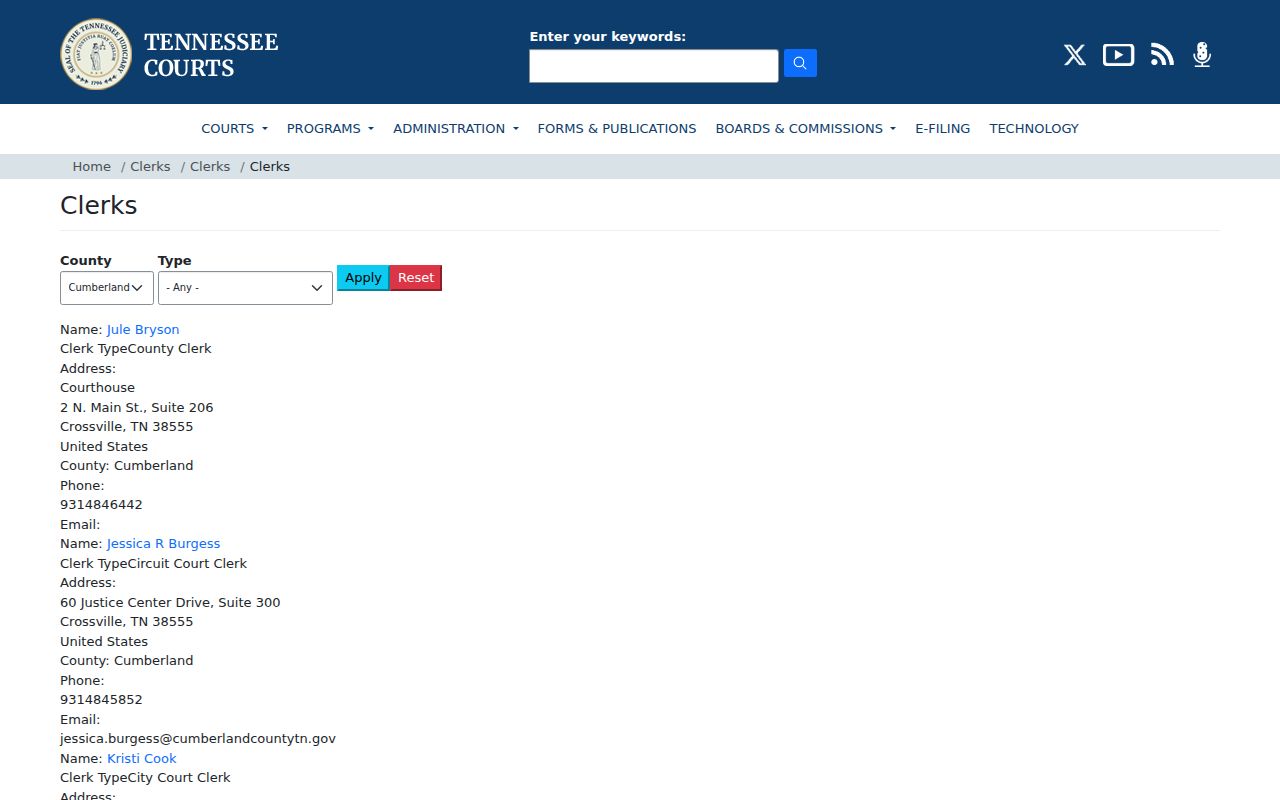
The directory is a role map; a clerk call is still needed to confirm a live case.
Cumberland County City Warrant Routes
Crossville’s Municipal Online Services page searches citations by citation number, license, name, vehicle or business. It is not confirmed as a warrant lookup, so call City Court at 931-484-7231 about an FTA or capias. Crab Orchard and Pleasant Hill have no current public city search located; their city halls identify the present venue.
For county service questions, call the Cumberland County Sheriff’s Office at 931-484-6176. A federal matter goes to Middle District PACER or the federal clerk, not the county portal.
The Sheriff’s directory gives the official county contact.
Restricted Warrants and Access Rules
Tennessee’s Public Records Act allows access to eligible public records, but it does not open every court or investigative file. Sealed matters, juvenile information, private data and records tied to an active investigation may be restricted or redacted. A public search can also miss a recent filing or a city case held elsewhere.
Key Rules:
Sealed files are not ordinary public search results; ask the court what can be disclosed.
Juvenile information has access limits and should not be treated as part of an adult name search.
A missing result does not establish that no warrant exists; contact the issuing court or serving agency.
For a copy request, Cumberland County requires a written request and proof of Tennessee citizenship. Its policy gives a seven-business-day written-response path when a same-day answer is not practicable.
Read the county policy before asking for records. A status question is usually better directed to the issuing clerk or sheriff.
Cumberland County Warrant Access Requests
The county form asks for the record description, date range, subject, office, copy or inspection choice, delivery method and signatures. Inspection is free. Copy fees are 15 cents per black-and-white page and 50 cents per color page; labor may apply after one hour.
Do not use the request process as an urgent warrant check. The Sheriff’s Office says some body-camera footage tied to pending cases or investigations is outside ordinary access. The Comptroller’s Tennessee Public Records Act FAQ explains state access basics.
The state access page complements the county’s own request policy and form.